


Google has started rolling out Pixel VIPs 2.0 to eligible Pixel smartphones, replacing the standard bottom-sheet pop-up with a fullscreen interface and adding a persistent switcher for saved contacts.
Key points
- Pixel VIPs 2.0 replaces the bottom sheet interface with a fullscreen layout when opening a contact.
- A floating pill-shaped switcher at the bottom allows users to switch between VIP contacts directly.
- Google reorganized profile sections by dropping media recommendations and moving notes to the bottom.
- The updated widget with inline call and message buttons remains inactive pending server-side enablement.
The update, distributed through the Google Play Store as version 2.0.97, builds on the features delivered during the September 2026 Pixel Feature Drop. The changes adjust how users interact with their prioritized contact lists, offering faster navigation across profiles while modifying the placement of contact cards and action buttons.
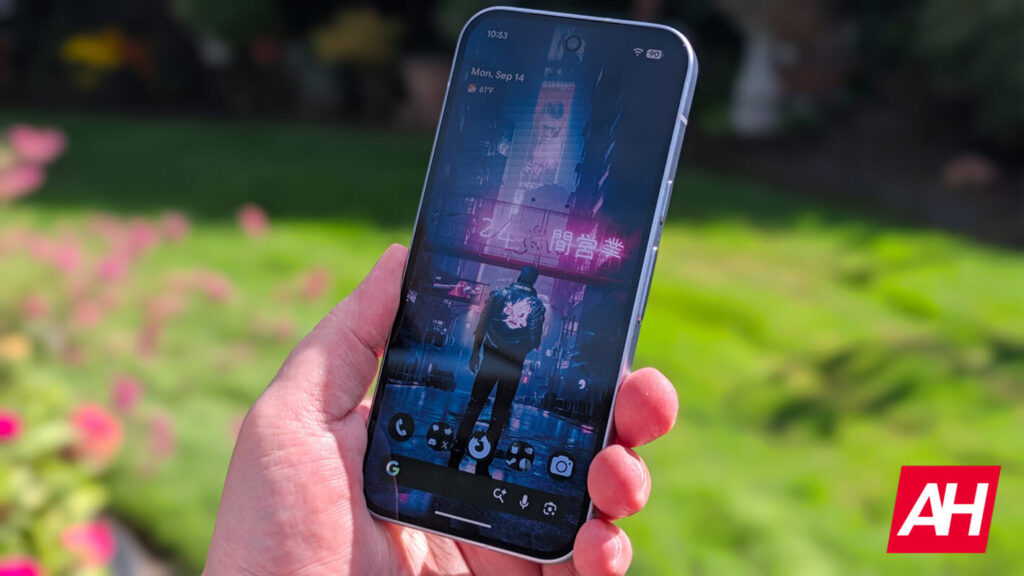
Fullscreen View and Bottom Navigation Switcher
In previous versions of Pixel VIPs, tapping a contact inside the homescreen widget opened a partial bottom sheet over the wallpaper. Accessing full contact details required an upward swipe. With the release of Google Pixel VIPs v2.0, tapping an entry immediately expands to a fullscreen layout, presenting all logs and tools without extra gestures.
The central functional addition to this fullscreen view is a floating, pill-shaped switcher anchored at the bottom edge. The bar displays profile avatars for all designated VIPs. Users can tap or swipe between avatars to switch contact profiles directly without closing the window or returning to the Android homescreen.
This navigation change mirrors recent interface updates across other native system utilities, much like how the Pixel Weather update adds one-tap controls to reduce unnecessary taps on home displays.
Refined Quick Actions and Card Reorganization
Google has also updated the visual styling and organization of the contact profile. The call, message, video, and contact shortcut buttons now use outline-style iconography instead of filled containers. A pencil icon is positioned in the top-right corner of the screen, linking straight into the Google Contacts app for profile editing.
Information cards within the contact view have been reorganized to prioritize communication logs over automated suggestions. The primary layout changes include:
- Card hierarchy: The “Local updates” card now sits above “Last connection” in the feed.
- Notes placement: The “Notes” field has been moved to become the final section at the bottom.
- Pruned recommendations: Google removed the “Things to do together” section, eliminating automated recommendations for places and shared media.
- System requirements: The new features require both Pixel VIPs 2.0 and Google Contacts version 4.77 or later.
Pending Activation for the Redesigned Homescreen Widget
While the internal fullscreen contact manager is live following the application update, the revised homescreen widget itself is not yet universally accessible. Previews of the refreshed widget show dedicated shortcut spaces for quick actions, which are intended to let users initiate phone calls or send text messages directly from the widget surface without opening an intermediate screen.
According to technical teardowns of the build, the new Pixel VIP widget remains dormant pending a server-side switch by Google. Once enabled, the widget will display inline glanceable notification badges alongside the direct communication toggles.
Pixel VIPs launched originally during the June 2025 Pixel Drop as a replacement for the older “Favorite contacts” widget, allowing owners of the Pixel 6 and newer models to designate up to eight high-priority contacts with custom interaction logs and Do Not Disturb bypass rules. Version 2.0 is currently rolling out across the Google Play Store in phases.